Installing Addons
Video
The second half of this video shows exactly how to install addons.
Step-by-Step
- Find a plugin or theme that interests you on the BetterDiscord website.
- Download that plugin or theme to your computer.
- In Discord, go to your BetterDiscord settings and select either the
PluginsorThemestab depending on what you chose in the first step. - At the top click the
Open XXXXXX Folderbutton. - Drag and drop, or move, the plugin or theme you downloaded into this folder.
- Go back to your
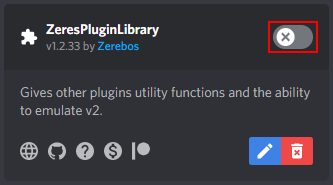
PluginsorThemespages and enable your plugin or theme.